Field operations
Recurring surveys and checklists with centralized response review workflows.
Read the field operations guideSurveyCrew
Survey management for field-ready teams
Survey management software
SurveyCrew helps operational teams create surveys, collect responses from distributed members, review and verify submissions, and manage workspace access and subscription limits in one place.
By continuing, you agree to our Terms and Privacy Policy.
SurveyCrew is a web-based survey operations platform designed for teams that run recurring workflows like field surveys, inspections, and audits. It brings survey creation, response tracking, review, and subscription visibility into one secure workspace so teams can move from collection to action with less friction.
If you're searching for survey management software, a field survey tool, or a response tracking system for team workflows, SurveyCrew is built to keep ownership clear and execution consistent.
Learn how SurveyCrew supports field operations, audits, inspections, and response tracking.
Recurring surveys and checklists with centralized response review workflows.
Read the field operations guideAudit-ready inspection workflows with consistent forms and review ownership.
Read the audits & inspections guideMonitor response intake, review submissions, and maintain consistent verification workflows.
Learn about response trackingManage members and teams in a shared workspace as your operations grow.
Learn about team workspacesSurveyCrew combines survey creation, response operations, and team management so work moves from planning to action without switching tools.
Build surveys and keep active projects organized for repeatable operational workflows.
Monitor response intake, review submissions, and maintain visibility over response volume.
Coordinate members in a shared workspace with account-level controls and plan-based seat limits.
Choose a plan by team size and response volume, then upgrade or downgrade as your operations grow.
A quick preview of the dashboard, survey management, and response review screens.
Keep active work visible with quick navigation across your workspace.
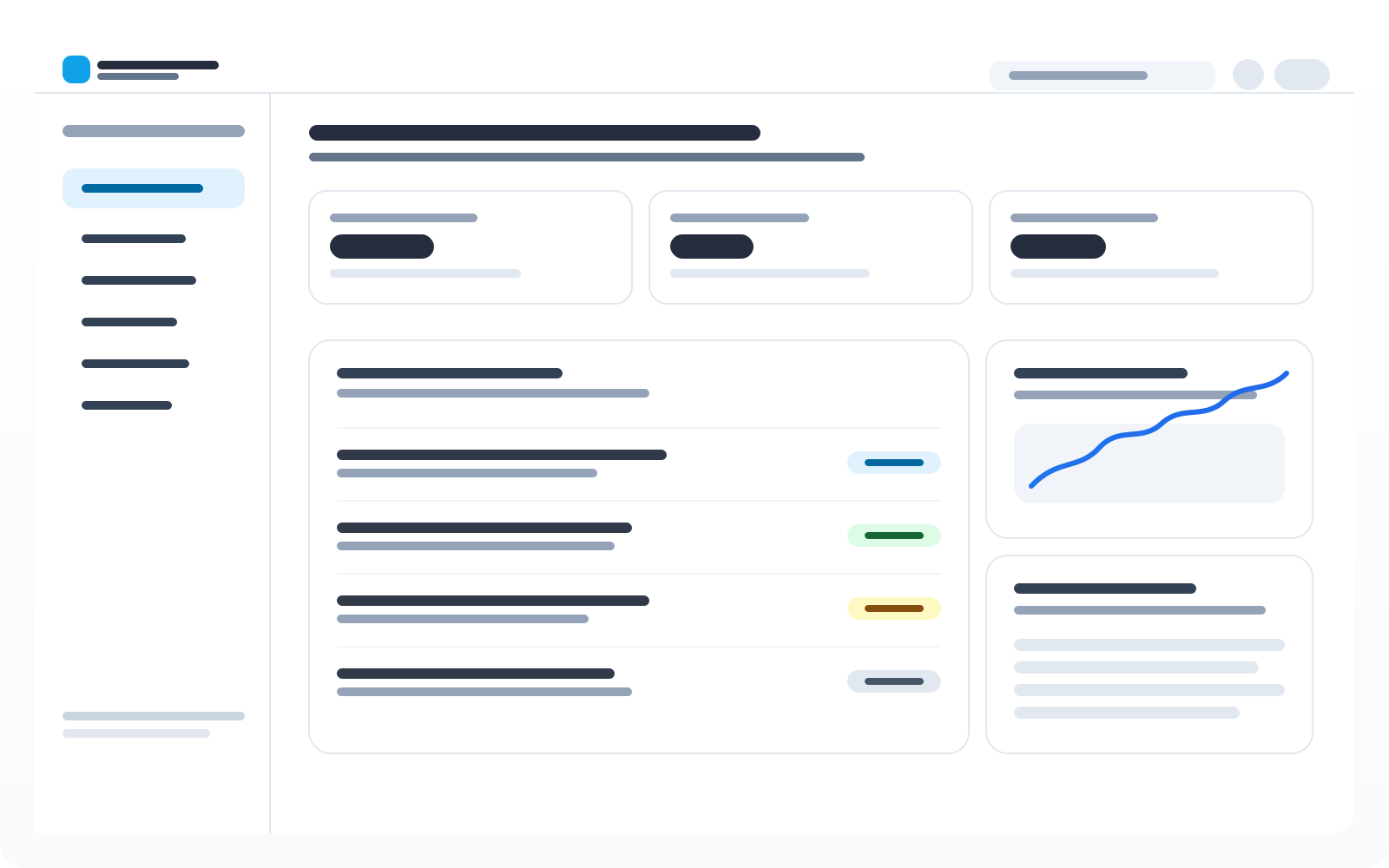
Create, organize, and manage surveys for repeatable workflows.
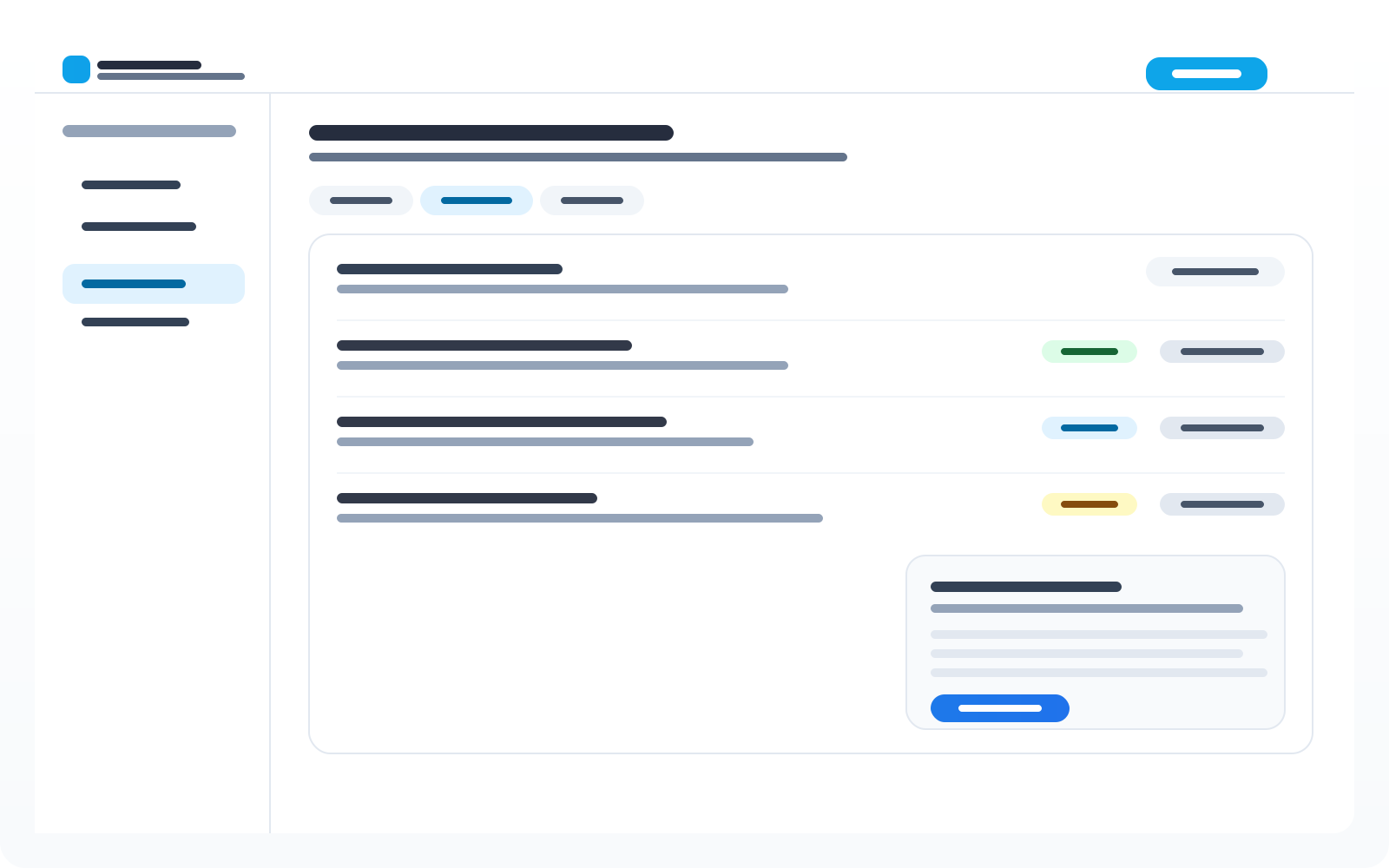
Review incoming submissions and maintain verification ownership.

SurveyCrew supports teams that need predictable execution, reliable response collection, and clear ownership across multi-step workflows — from property visits to location scouting and beyond.
Standardize recurring surveys and checklists, track completion, and keep response quality consistent across regions.
Collect structured responses, route records for review, and maintain verification workflows for audit readiness.
Run shared survey workflows across sites with centralized visibility into response activity and plan usage.
Common ways teams use SurveyCrew to keep site-based work organized and reviewable.
Keep property visit records consistent with required fields, documented follow-ups, and a clear history of submissions.
Survey potential shoot locations, capture constraints and requirements, and standardize approvals across crews.
Run repeatable site checklists, log observations, and route submissions for review so issues get tracked reliably.
Verify store readiness and compliance with structured surveys that are easy to execute across many locations.
Coordinate pre-event checklists, vendor confirmations, and day-of readiness surveys with centralized response tracking.
Standardize condition checklists, record exceptions, and keep a single place to review submissions over time.
Choose a plan by team size, active surveys, monthly responses, and storage needs. Upgrade or downgrade anytime.
Free
$0
per month
Basic
$19
per month
Pro
$49
per month
Business
$99
per month
Step 1
Create your account, invite team members, and set the baseline for your survey operations.
Step 2
Launch surveys, track progress, and keep active projects aligned with plan limits.
Step 3
Review response activity, verify submissions, and improve workflows based on what you learn.
SurveyCrew is survey management software for running recurring operational surveys. Create surveys, collect responses, review submissions, and manage teams in one workspace.
Field teams, service teams, audit and inspection workflows, and organizations that run repeatable site-based work like property visits, location scouting, and multi-location checklists.
Yes. SurveyCrew includes a Free plan with core capabilities and upgrade options when your team, active surveys, or response volume grows.
Yes. Plans include member seat limits and workspace controls so organizations can collaborate safely while keeping ownership clear.
SurveyCrew helps you track incoming responses and review submissions in one place so teams can maintain a consistent verification and quality-control process.
Yes. SurveyCrew supports exports for reporting workflows so you can share or analyze data outside the app when needed.